

How far should your screen be from your eyes?
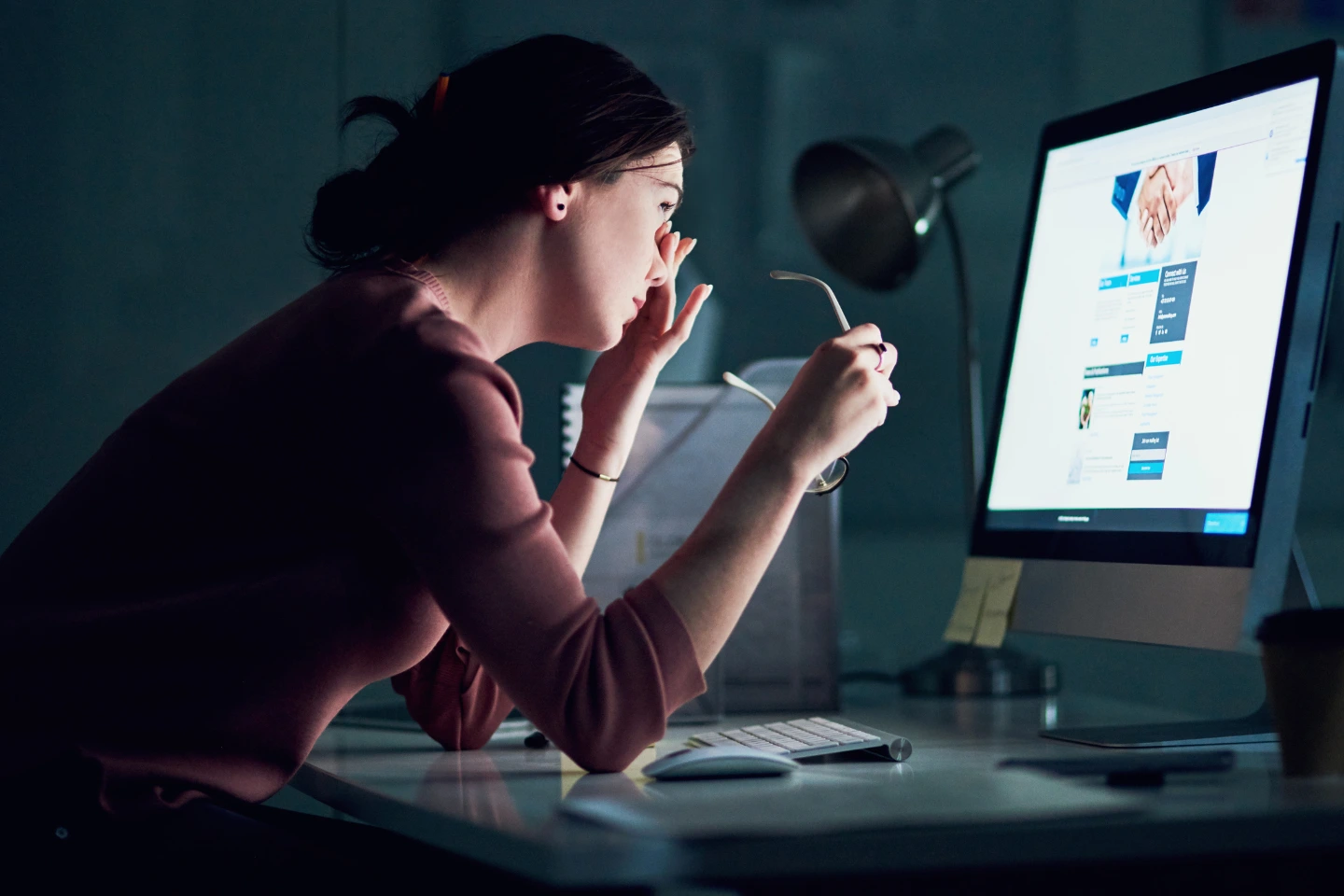
If you are reading this right now, take a quick second to notice your posture.
Is your chin tilted forward?
Are your eyes straining to make out the text?
How close is your face to the screen?
In Singapore’s Smart Nation, our lives revolve around pixels. From the moment we wake up and check our smartphones to the eight-plus hours we spend at office monitors, followed by evening Netflix sessions, our eyes are working overtime.
One of the most common questions we get at Eyesight.sg isn't just about spectacle prescriptions, it’s about ergonomics: How far away should I actually sit?
Setting the right distance isn't just about comfort; it’s about preventing a suite of modern vision issues known as Digital Eye Strain.
The Golden Rule: The Arm’s Length Principle
For a standard desktop setup, the general rule of thumb is to keep your monitor at least 50 to 70 centimeters away from your eyes.
A simple way to measure this without a ruler? The Arm’s Length Test.
- Sit back comfortably in your chair.
- Extend your arm straight out toward your monitor.
- Your fingertips should just barely touch the screen (or be an inch away).
If you have to lean forward to read the text at this distance, your screen is either too far away or your font size is too small. If your arm is bent and the screen is closer than your elbow, you are likely overworking your eye muscles.
Why Does Distance Matter? (The Science of Accommodation)
Your eyes have tiny internal muscles called ciliary muscles. When you look at something close up, these muscles must contract to change the shape of your lens and focus the light. This process is called accommodation.
Think of it like holding a 5kg dumbbell. You can hold it for a minute easily, but if you hold it for eight hours straight, your arm will shake and ache. When you stare at a screen that is too close for hours on end, your eye muscles are effectively lifting weights without a break.
This leads to:
- Eye Fatigue: A dull ache behind the eyes.
- Pseudomyopia: A temporary false short-sightedness where your eyes get stuck in a near-focusing state, making distant objects look blurry.
- Headaches: Often felt across the forehead or temples.
At Eyesight.sg, we often see patients who think their prescription has changed when, in reality, their eyes are simply exhausted from poor screen proximity. You can learn more about managing these symptoms under Eye Care Services.
It’s Not Just Distance: The 1-2-10 Rule.
The ideal distance changes depending on the device you are using. At Eyesight.sg, we recommend following the 1-2-10 Rule to help guide your family’s digital habits:
- 1 Foot (approx. 30cm): The ideal distance for Smartphones. We tend to bring phones much closer to our faces than books, which increases the strain. Try to keep your phone at chest level rather than tucked under your chin.
- 2 Feet (approx. 60cm): The ideal distance for Laptops and Desktops. This aligns with the Arm's Length rule mentioned above.
- 10 Feet (approx. 3 meters): The ideal distance for the Television. Watching TV too closely in a dark room is a major contributor to eye fatigue in children.
The Height and Angle: Don't Forget the Downcast Look
Distance is only half the battle; the angle of your screen is the other half.
Ideally, your eyes should be level with the top edge of your monitor. This means you are looking slightly downward (at an angle of about 15 to 20 degrees) at the center of the screen.
- Why? When you look straight ahead or upward, your eyes are wider open, which exposes more surface area and causes tears to evaporate faster, leading to Dry Eye.
- Looking slightly downward allows the upper eyelid to cover more of the eye, keeping it lubricated and comfortable.
If you struggle with persistent dryness despite adjusting your screen, our optometrists can help with specialized treatments. See our guide on Management of Ocular Diseases.
Special Considerations for Singaporean Students
Singaporean children are among the most myopic in the world. While genetics play a role, near-work (reading and screens) is a massive environmental factor.
When children sit too close to their tablets or laptops, it sends a signal to the eye to grow longer to make focusing on near objects easier. This elongation is exactly what causes myopia.
- The Two-Finger Rule: Encourage your child to never hold a device closer than the distance from their elbow to their knuckles.
- The 20-20-20 Rule: Every 20 minutes, look at something 20 feet (6 meters) away for at least 20 seconds. This resets the focusing muscles.
For parents concerned about their child’s screen habits, explore our Myopia in Children resource page for intervention strategies like Ortho-K.
When Adjusting Your Screen Isn't Enough
If you have moved your screen to an arm's length, adjusted the brightness, and practiced the 20-20-20 rule, but your eyes still feel strained, it may be time for a professional assessment.
There are several reasons why perfect ergonomics might still result in discomfort:
- Uncorrected Astigmatism: Even a small amount of astigmatism can make screen text look doubled, forcing your brain to work harder.
- Blue Light Sensitivity: High-energy blue light from screens can scatter inside the eye, reducing contrast. We offer specialized Contact Lenses and spectacle coatings designed to filter this.
- Presbyopia: If you are over 40, you may find yourself pushing the screen further and further away to see it clearly. This is a natural change in the eye’s focusing power that requires specific lenses.
Pro-Tips for a Better Workspace
To complement your new screen distance, try these quick environment hacks:
- Match the Brightness: Your screen should not be a light source in a dark room. Ensure the room's ambient light is similar in brightness to your monitor to reduce glare.
- Enlarge the Text: Don't sacrifice your posture to read tiny 10pt fonts. Increase your browser zoom to 110% or 125%.
- Check for Glare: If you can see the reflection of a window or an overhead light in your screen, your eyes will constantly struggle to focus past the reflection.
Conclusion
Your eyes weren't designed to stare at a fixed point for eight hours a day, but modern life demands it. By simply pushing your monitor back to an arm’s length and lowering the height slightly, you can significantly reduce the physical stress on your visual system.
At Eyesight.sg, we are dedicated to helping you navigate the digital world without sacrificing your vision. Sometimes, the solution is a simple ergonomic tweak; other times, it’s a specialized lens prescription designed for computer use.
Are your eyes feeling the strain of the digital grind? Let us help you find the perfect balance. Book a comprehensive eye exam with our team to ensure your work-from-home or office setup is helping, not hurting, your sight.


Your Vision, Our Priority
At Eyesight.sg, we provide comprehensive eye care, from routine check-ups to advanced solutions. Our services are delivered by trusted optometrists across Singapore. Call us to schedule an appointment for your spectacles, contact lenses, or specialist lens needs. You can also drop by any time to explore our wide range of designer spectacle frames and sunglasses.

Why Choose Eyesight.sg?
- Experienced & Certified Optometrists
- Advanced Diagnostic Technology
- Personalised Care for All Ages
- Multiple Locations Across Singapore

Ready for Better Vision? We’re Here for You at Eyesight.sg.
West Mall Branch
Address: West Mall Shopping Centre, 1 Bukit Batok Central, #04-05, Singapore 658713
Phone: +65 6792 5733
Email: hello@eyesight.sg
Mon–Sun: 11am–9 pm
Tampines Branch
Address: 827 Tampines Street 81, #01-146, Singapore 520827
WhatsApp: +65 9824 1607
Email: hello@eyesight.sg
Mon–Sun: 11am–9 pm
Potong Pasir Branch
Address: 51 Upper Serangoon Rd, #01-07 The Poiz Centre, Singapore 347697
WhatsApp: +65 8809 5996
Email: hello@eyesight.sg
Mon–Sun: 11am–9 pm


© 2026 Eyesight.sg | All Rights Reserved | Privacy Policy | Digital Marketing by Remedo